
Free Online Microsoft Training

Free tips and tricks for using Microsoft 365 and Windows

Free Online Microsoft Training

How to add date based questions in Microsoft Forms

How to add date based questions in Microsoft Forms

Microsoft Forms includes a variety of question types which help you collect information in different ways. Depending on the type of data you need, you can choose from options such as Text, Choice, Rating, Likert, Ranking, File Upload, Net Promoter Score (NPS) and Date questions. Each question type is tailored to a specific purpose, making […]

How to delete individual quiz responses in Microsoft Forms

How to delete individual quiz responses in Microsoft Forms

When users, or “respondants” complete a quiz or survey using Microsoft Forms, the response is saved and can be viewed at any time. By default, each user is provided an option to Submit another response at the end of the form submission. Forms allows you to restrict form submissions to one response per person. This […]

How to time-limit access to a Microsoft Form

How to time-limit access to a Microsoft Form

Microsoft Forms is still a relatively new app within the Microsoft 365 ecosystem but allows you to easily create surveys, quizzes and feedback forms and is available as part of any existing Microsoft 365 subscription. One particularly useful feature is the ability to limit access to a form based on a specific date range or […]

How to Shuffle Questions in a Microsoft Form

How to Shuffle Questions in a Microsoft Form

Microsoft Forms is a part of the Microsoft 365 suite of programs and allows you to create surveys, quizzes, and polls with ease. It is a popular choice for educators, businesses, and individuals alike. One of its wonderful features is the ability to shuffle questions within a form, which can significantly enhance the effectiveness of […]

How to add a Rating question in Microsoft Forms
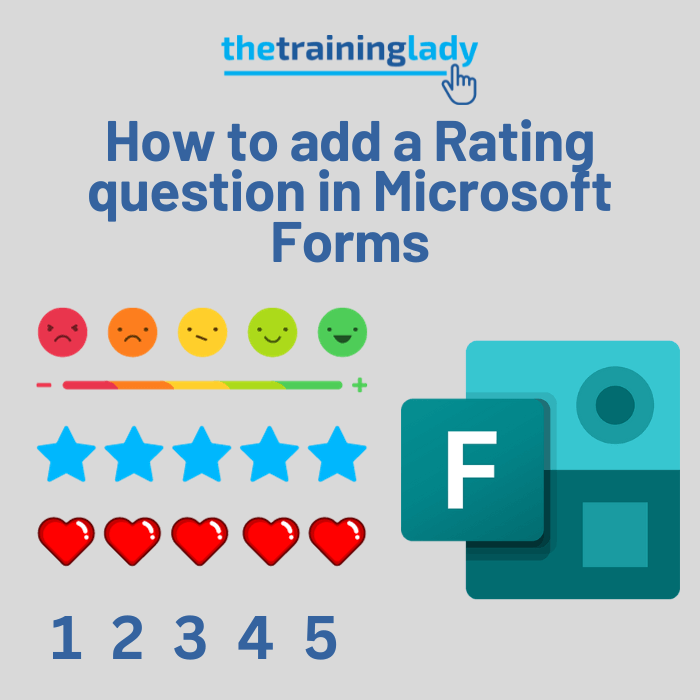
How to add a Rating question in Microsoft Forms

For those who are new to exploring Microsoft Forms, you may have noticed the Rating question type. The Rating question type allows users to provide a rating based on how much they like or dislike the scenario you have proposed. The Rating question type is particularly useful in scenarios where participants need to express their […]

How to add text-based questions in a Form
How to add text-based questions in a Form

Microsoft Forms allows you to create a wide variety of different question types to use in quizes and surveys. Without a doubt, the most commonly used question type is a text based question. The text-based question provides the greatest flexibility and allows you to customise the way in which your responders are able to answer […]

How to use branching in Microsoft Forms

How to use branching in Microsoft Forms

One very useful feature available in Microsoft Forms is the branching feature. Whilst many users may not realise what branching actually does, it is certainly one of those features worth the investigation. Branching essentially allows you to create conditions within your form where based on the answer a respondant chooses, they are taken to a […]

Create multiple choice questions in a Microsoft Form
Create multiple choice questions in a Microsoft Form

Creating multiple choice questions in Microsoft Forms provides an efficient way to gather structured feedback or conduct assessments. With a user-friendly interface and integration with other Microsoft 365 apps, you can create engaging surveys or quizzes in just a few clicks. Whether you’re a teacher seeking to evaluate student knowledge or a professional aiming to […]

How to create a spelling test online using Microsoft Forms
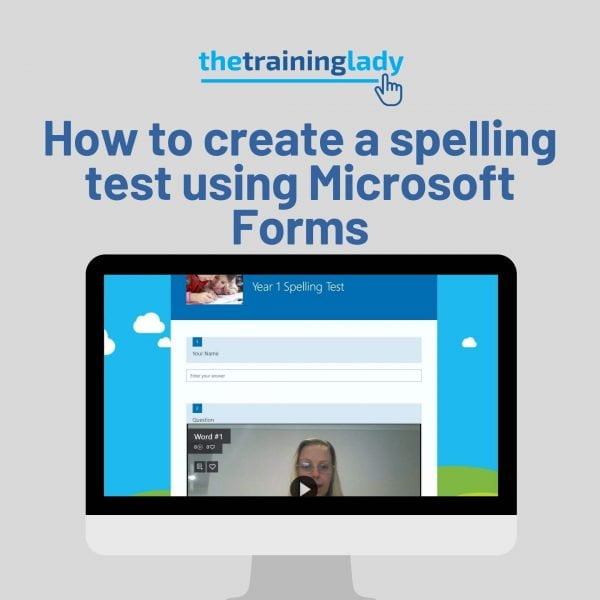
How to create a spelling test using Microsoft Forms

A great question I saw online related to creating a spelling test using Microsoft 365. The teacher did not want students to have access to a spell check function for obvious reasons. This ruled out using Microsoft Word or PowerPoint. With this in mind, I suggested creating a spelling test using Microsoft Forms, in conjunction […]

How to create an online quiz using Microsoft Forms
Create a quiz using Microsoft Forms

This week I am presenting a few sessions at the Leading a Digital School Conference being held in Melbourne, Australia. This post outlines my second session which is going to show you how to create an online quiz using Microsoft Forms. This is a bit exciting because this post is my first for Microsoft Forms […]