
How to bulk rename files in a folder (Windows 11)

If you have dozens or even hundreds of files with generic file names such as IMG_0001, IMG_0002, and IMG_0003, renaming them one at a time can be a frustrating and time-consuming task. Thankfully Windows 11 includes a simple built-in feature that lets you rename multiple files at once. This is very useful when you want […]
What is a paragraph mark in Word?

If you have ever opened a Word document and suddenly seen strange symbols like dots, arrows, or a backward “P” (¶), you are not alone. Today I want to introduce you to a range of symbols, and in particular, the paragraph marks found in Word documents. Now, these unusual symbols are officially called non-printing characters. […]
How to remove a page break in Word

Anyone who has had to work with a longer Word document will have encountered page breaks. A page break allows you to choose when a new page will begin. So what happens when you open a document and need to remove a page break in Word? The tricky part about page breaks is that by […]
How to add a bookmark in Word

When working with longer documents in Microsoft Word, it is helpful to provide users with more efficient ways to navigate than simply scrolling page by page. In this post I’ll show you how to add a bookmark in Word to allow users to click a link which will take them to a specific location within […]
Use Cut, Copy and Paste in Microsoft Word

Microsoft Word is known as the go-to option for any type of word processing tasks. To ensure you are maximising your productivity when creating new documents or working with existing documents, it’s crucial to master fundamental features such as Cut, Copy, and Paste. Whilst you may have experience with these features already, maybe there will […]
How to format tables in Word
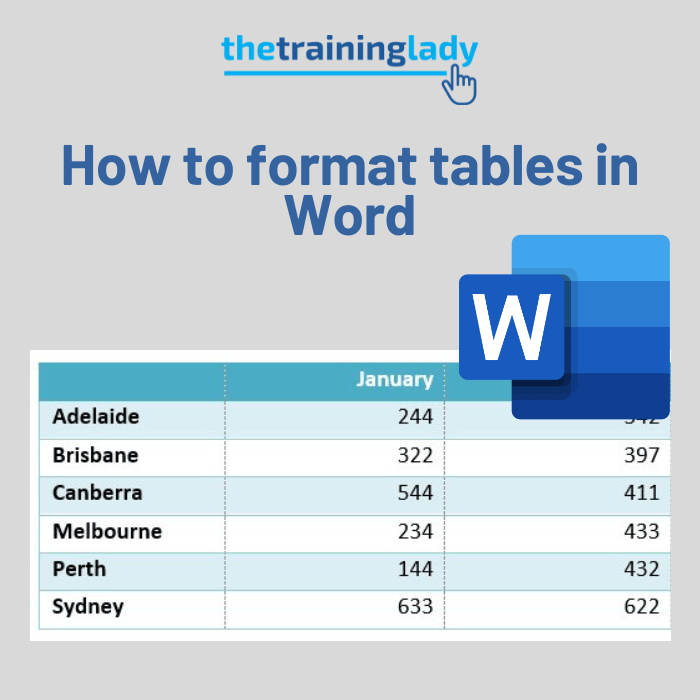
In a previous post I outlined how to create a basic table in Microsoft Word. Let’s go to the next steps and look at how we can format a table with different styling and also add more rows or columns. Table Design and Layout tabs An important part of using tables in Word is the […]
How to dictate in Word
The Dictate function in Word allows you to use speech-to-text functions to create content using your microphone. Learning how to dictate in Word will provide a quick and easy way to put your thoughts into words and capture ideas efficiently. It is great if I am wanting to freely create content without the need to […]
Compress file size of images in Word

When working with long documents in Microsoft Word, it’s important to consider the file size. Adding multiple images or photos can make your document much larger. I often work with long documents and include images where needed. If you’ve seen my blog posts, you’ll notice I use screenshots to guide readers and illustrate my points. […]
How to customise numbered list alignment in Word

I recently saw an issue arise on a discussion forum where a user asked a question related to the alignment of a numbered list. The solution was a simple one but as the author commented, how would anyone not familiar with the “lingo” know how to find the solution without help? Needless to say, this […]
How to resize an image correctly in Word

Resizing images in Microsoft Word is something most of us do at some point—whether you’re creating a document for work, school, or a personal project. While it’s easy to do, it’s just as easy to do it wrong, which can leave your images looking stretched, squashed, or blurry. There are a few easy ways to […]