
Use PowerPoint animations to make an object appear and disappear
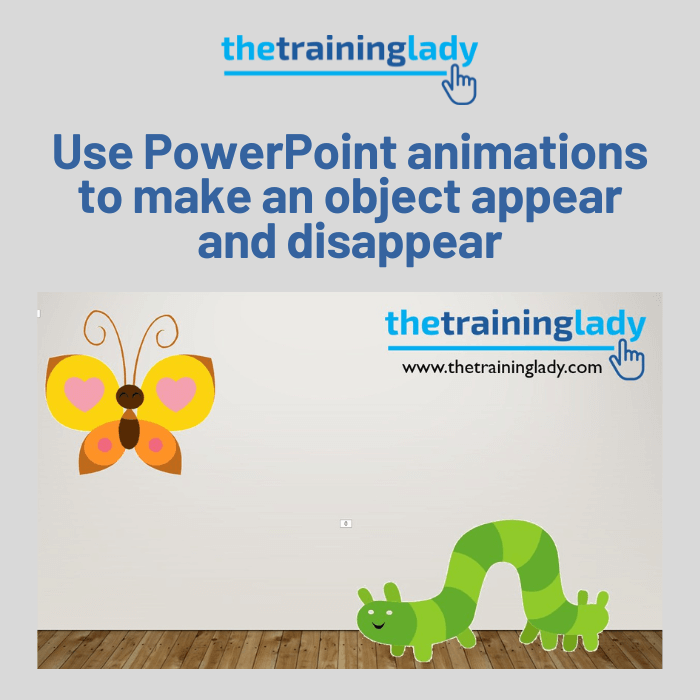
This week I saw a great question on an online forum relating to Microsoft PowerPoint. The question asked how to make an object appear on screen for a few seconds, and then make it disappear only to be replaced with a different object. I’ve been asked about this on many occasions during training courses and […]
Create perfect shapes in Word
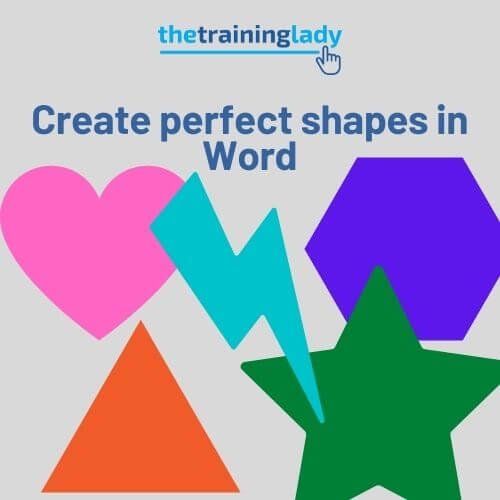
Microsoft Word includes some very useful shapes which allow you to use your imagination and create your own graphical charts or diagrams. The shapes available include lines, banners, callouts, various types of rectangles and much more. You are then able to apply different effects and patterns to those shapes to achieve the look you are […]