
How to customise the Taskbar in Windows 11

Windows 11 now includes new Taskbar customisation options, allowing you to change its position, icon alignment and size. This new feature was released with KB5120998 and provides some new features that we will now have a look at. For many years, Windows users could move the Taskbar to different sides of the screen and customise […]
How to create a folder shortcut on the Taskbar

Last week one of my clients experienced a hardware failure on their main computer. It’s a computer users worst nightmare and occurred in the middle of an important week of work. Long story short, I was able to source a new hard drive and install it within 24 hours. Luckily the client had a backup […]
Create a custom toolbar menu in Windows 10
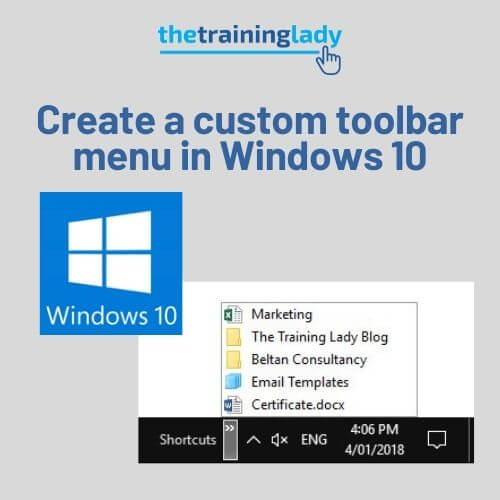
Generally, I like to try and keep an organised desktop area and where possible keep my files in a somewhat organised fashion. I have files which I use on a regular basis such as budgets, accounting files, and other such things, however, I don’t want to have these saved on my desktop. Having lots of […]