
How to use the Embed card in Microsoft Sway

The Embed card in Sway allows you to add a wide range of media and interactive content to your presentation. Your Sway can include videos, audio, forms, maps, documents and content from many other online services. Sway will allow you to embed content from other Microsoft services such as Microsoft Forms, Microsoft Sway, Microsoft OneDrive, […]
How to bulk rename files in a folder (Windows 11)

If you have dozens or even hundreds of files with generic file names such as IMG_0001, IMG_0002, and IMG_0003, renaming them one at a time can be a frustrating and time-consuming task. Thankfully Windows 11 includes a simple built-in feature that lets you rename multiple files at once. This is very useful when you want […]
How to use the Group cards in Sway

The Group card provides a way to easily display a set of cards in a neatly organised way. There are five (5) different group types to choose from. You can choose to either create each group type from scratch or select existing image cards and group them yourself. Each group type provides a different layout […]
How to customise the Image card in Sway

The Image card in Microsoft Sway allows you to display images. Image sources can include OneDrive, Flickr, Bing Images, Pickit, YouTube or directly uploaded from your computer. The use of images and photos with your Sway helps to convey information effectively and can improve engagement with your audience. You can perform an image search from […]
How to compress images in PowerPoint
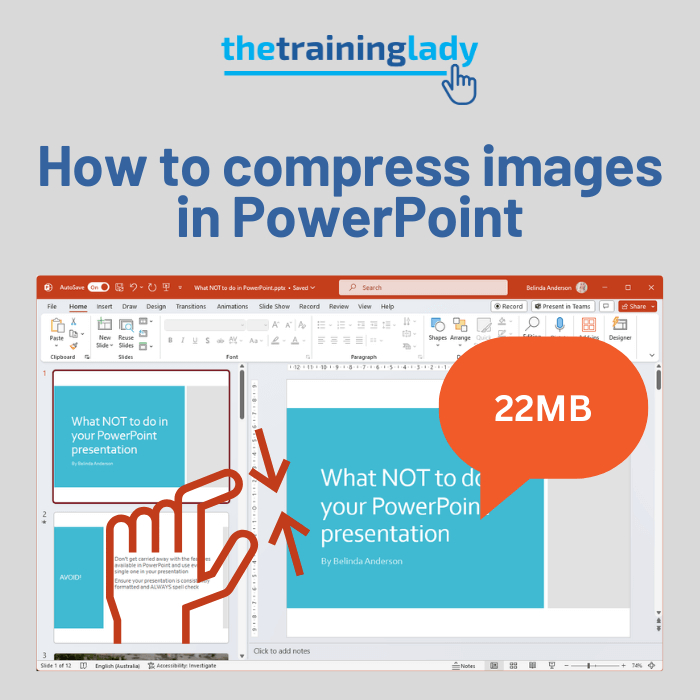
A common issue that arises with many PowerPoint presentations is an inflated file size. It’s too big to email or it’s slowing down the computer during the presentation. So let’s look at how to compress images in PowerPoint to reduce the overall file size. Considering we are working in a digital world our presentations tend […]
How to extract text from an image in OneNote

OneNote includes a powerful feature that lets you extract text from image files using built-in OCR (Optical Character Recognition). OCR is a great way to avoid having to retype text from printed materials such as a magazine or book. This feature works best when working with OneNote for iOS or Android as it allows you […]
How to crop an image using Microsoft Paint
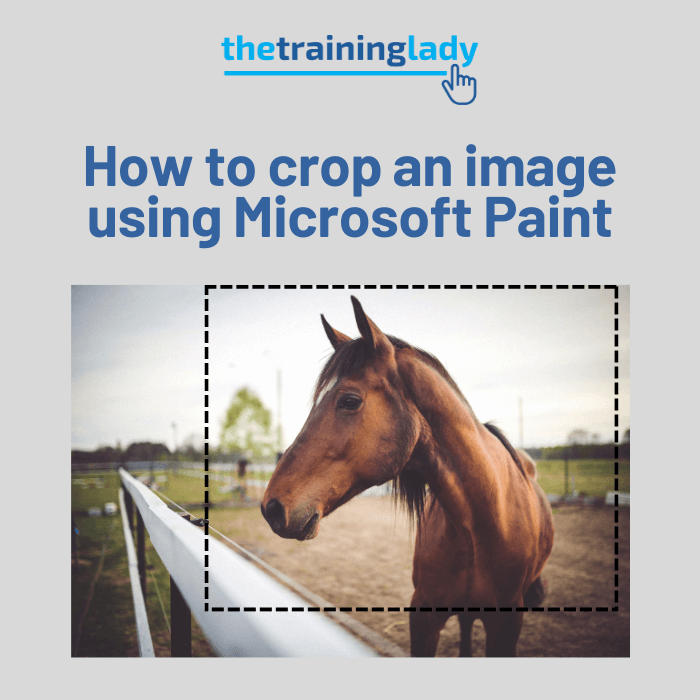
This week I had a request to show participants how to crop an image using Microsoft Paint. Most of the Microsoft Office products include a cropping tool but it only crops the image within that specific program. Microsoft Paint can provide a simple but effective cropping feature and is an easy option if you do […]
Compress file size of images in Word

When working with long documents in Microsoft Word, it’s important to consider the file size. Adding multiple images or photos can make your document much larger. I often work with long documents and include images where needed. If you’ve seen my blog posts, you’ll notice I use screenshots to guide readers and illustrate my points. […]
How to resize a photo to use as your Desktop Wallpaper

A common issue when using your own photo as your desktop wallpaper is the fact that the photo will often end up distorted or cropped. Here I am going to show you how to resize an image to use as your desktop wallpaper using the correct method to avoid any distortion. Find your desktop wallpaper […]
How to set your own photo as your Desktop Wallpaper

Let’s talk wallpaper! Just to be clear, I’m not referring to the type which you might find stuck to a wall, I’m talking about that desktop area of your computer which you can customise with your favourite photo or piece of art. Over the years, the Windows Desktop has progressed through some boring and plain […]
How to create a photo album slide show using PowerPoint

Have you ever attended an event where a slideshow of photos was showing on a screen for everyone to view? Ever wondered how to create one? It’s very easy using the Photo Album function available in Microsoft PowerPoint. I’ve used this feature to quickly create a slideshow of photos for my daughters’ birthdays and other […]
How to resize an image correctly in Word

Resizing images in Microsoft Word is something most of us do at some point—whether you’re creating a document for work, school, or a personal project. While it’s easy to do, it’s just as easy to do it wrong, which can leave your images looking stretched, squashed, or blurry. There are a few easy ways to […]