
How to customise a contacts display name in Outlook
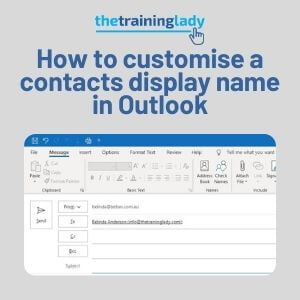
When we are forced to spend vast amounts of our working day using email, it is important that we are able to configure and utilise the features to the best of our ability. Often it’s the small things that can make the biggest difference to how smoothly our working day goes. Today I want to […]
Create a distribution list in Microsoft Outlook

The use of email for many people has become a daily event. Companies and organisations rely heavily on the use of email for correspondence with both internal and external contacts. One aspect of email which can provide great time saving is the use of distribution lists in Microsoft Outlook. A distribution list is a group […]
Forward a Contact card using Outlook
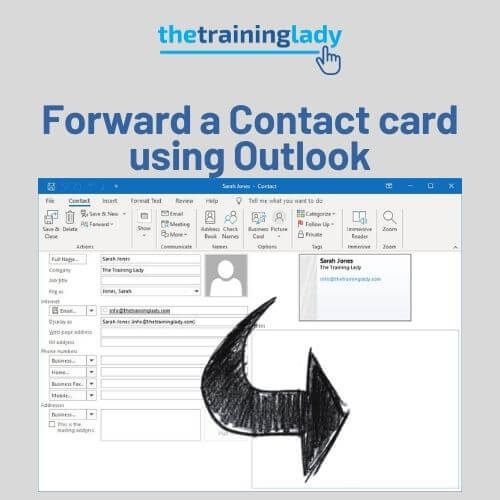
Microsoft Outlook provides a great solution for managing your email, contacts, calendar, and to do lists all within the one location. In cases where I need to send contact information to other associates or colleagues, I utilise the built-in features of Outlook which allow you to forward any Contact from your address book. I am […]