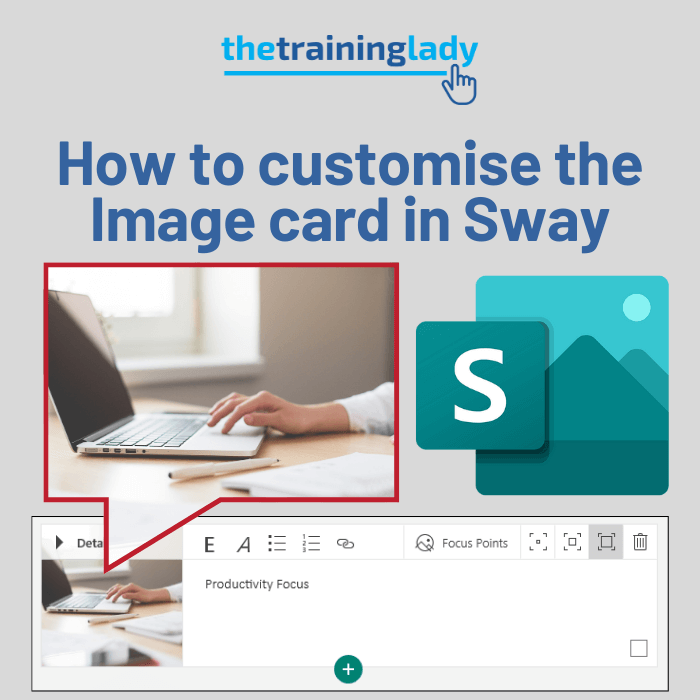
How to customise the Image card in Sway
The Image card in Microsoft Sway allows you to display images. Image sources can include OneDrive, Flickr, Bing Images, Pickit, YouTube or directly uploaded from your computer. The use of

The Image card in Microsoft Sway allows you to display images. Image sources can include OneDrive, Flickr, Bing Images, Pickit, YouTube or directly uploaded from your computer. The use of
If you are new to Microsoft Sway you may be looking for some tips on how to create a Text card and then customise it within your Sway. Text cards
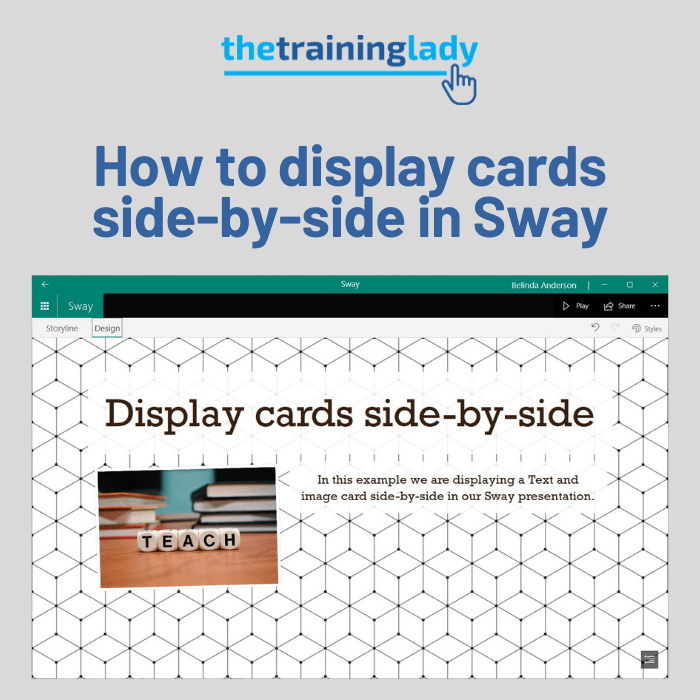
Sway is fantastic for creating visual presentations and a common question I am asked is “How can I have cards sit side-by-side in my Sway?”. Maybe you want to have
Microsoft Sway allows you to easily create digital stories which can be shared with other users. The Title card in Sway is used in a similar way that we would

As with any new program, the first time we open an application can feel a bit overwhelming. In this article, I’d like to explain the Microsoft Sway Storyline and how
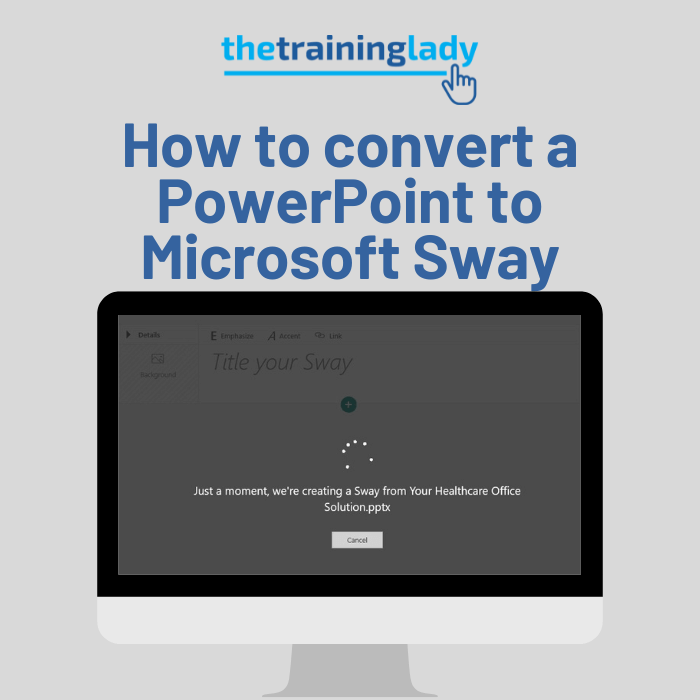
There is no doubt that Microsoft Sway is a fun program to create engaging presentations or Sways. But the thought of converting all your existing content into a Microsoft Sway
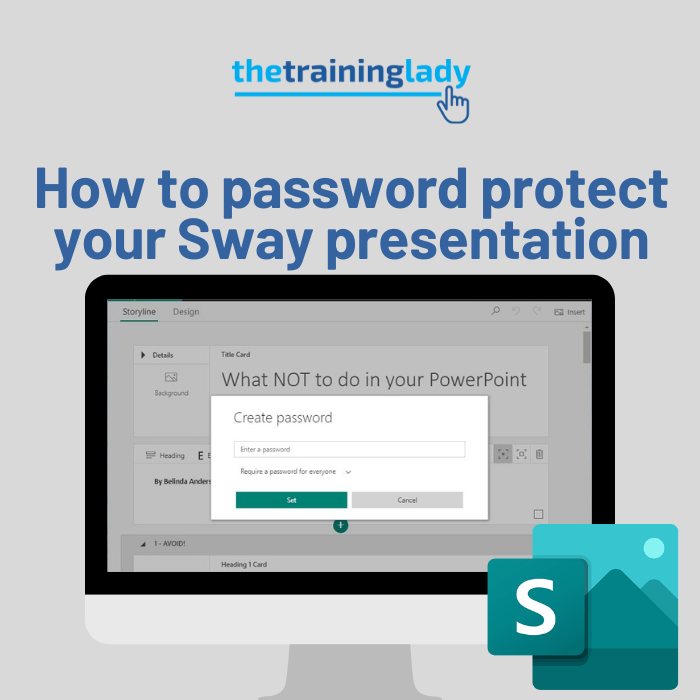
If you create a presentation using Microsoft Sway, you can give access to others by sharing the Sway link. You may, however, want a little more security for your Sway

In 2021 I had the pleasure of presenting at the Leading a Digital School Conference and showing attendees how to use Microsoft Sway. To provide participants with some additional resources