How to Shuffle Questions in a Microsoft Form
Microsoft Forms is a part of the Microsoft 365 suite of programs and allows you to create surveys, quizzes, and polls with ease. It is a popular choice for educators,

Microsoft Forms is a part of the Microsoft 365 suite of programs and allows you to create surveys, quizzes, and polls with ease. It is a popular choice for educators,
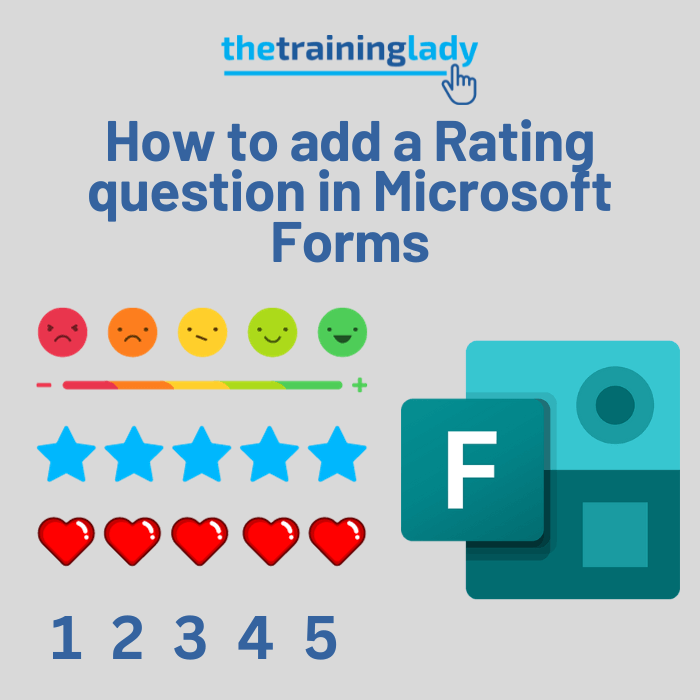
For those who are new to exploring Microsoft Forms, you may have noticed the Rating question type. The Rating question type allows users to provide a rating based on how

Microsoft Forms allows you to create a wide variety of different question types. These question types let you customise the way in which your readers will be able to answer
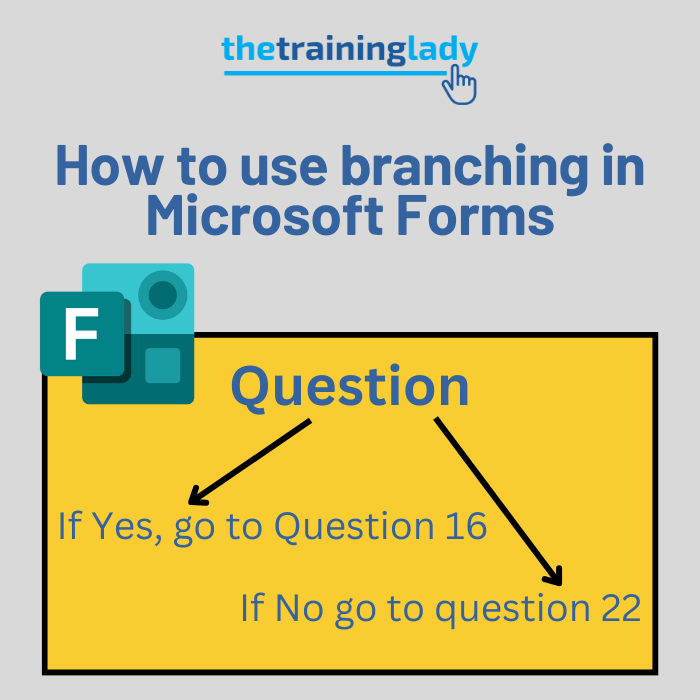
One very useful feature available in Microsoft Forms is the branching feature. Whilst many users may not realise what branching actually does, it is certainly one of those features worth

Did you know you can create a quick poll using Microsoft Forms all from the comfort of Outlook? Yep that’s right, you don’t need to specifically create the form in
Creating multiple choice questions in Microsoft Forms provides an efficient way to gather structured feedback or conduct assessments. With a user-friendly interface and integration with other Microsoft 365 apps, you
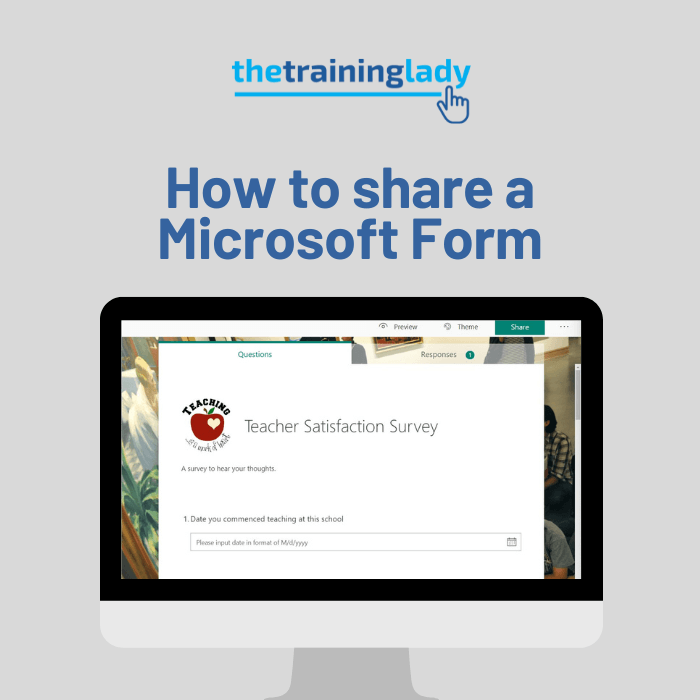
Microsoft Forms is a great program which allows you to create interactive forms including surveys, quizzes, evaluations and much more. Once you have created the form, you are going to

A great question I saw online related to creating a spelling test using Microsoft 365. The teacher did not want students to have access to a spell check function for
If you are creating forms using Microsoft Forms then let me show you how to incorporate sections into those forms. Sections allow you to divide your form into, as the
This week I am presenting a few sessions at the Leading a Digital School Conference being held in Melbourne, Australia. This post outlines my second session which is going to