
How to customise the Image card in Sway
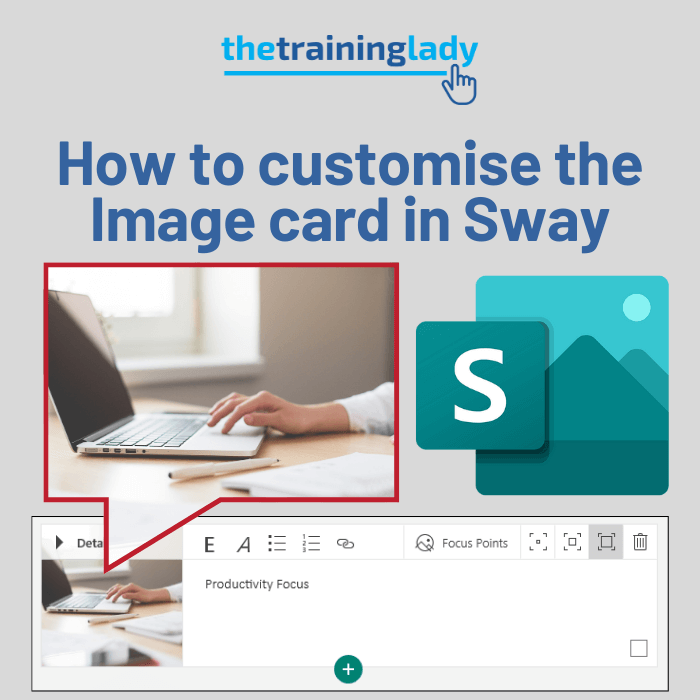
The Image card in Microsoft Sway allows you to display images. Image sources can include OneDrive, Flickr, Bing Images, Pickit, YouTube or directly uploaded from your computer. The use of images and photos with your Sway helps to convey information effectively and can improve engagement with your audience. You can perform an image search from […]
How to customise a Text card in Sway

If you are new to Microsoft Sway you may be looking for some tips on how to create a Text card and then customise it within your Sway. Text cards are an obvious popular option as they allow you to add text based content to your Sway. If you are just getting started, be sure […]
How to add slide transitions in PowerPoint
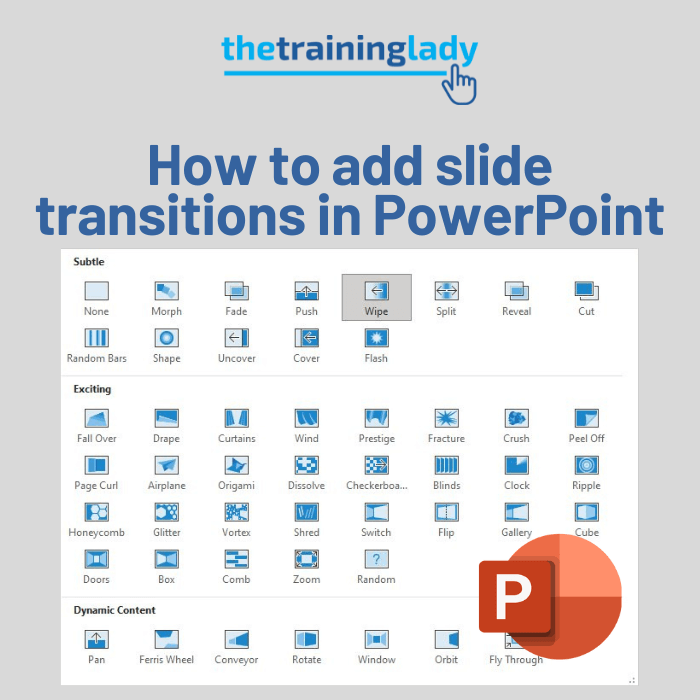
PowerPoint is one of those programs that has so many bells and whistles that it can sometimes be a little overwhelming. One of the features you can use to add a simple effect to your presentation is the use of slide transitions. Slide transitions allow you apply an effect to slides as they move from […]
How to display cards side-by-side in Microsoft Sway
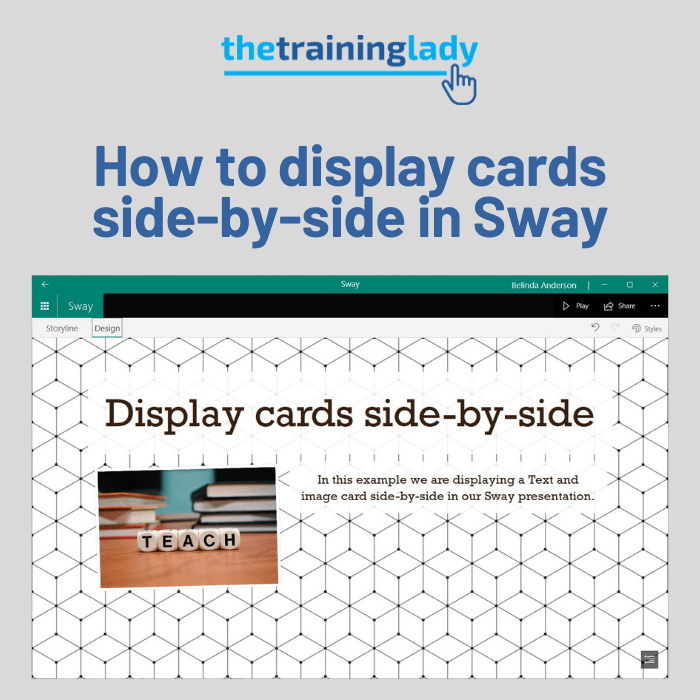
Sway is fantastic for creating visual presentations and a common question I am asked is “How can I have cards sit side-by-side in my Sway?”. Maybe you want to have an image dispalyed with text sitting alongside it? Let’s look at how you can display cards side-by-side: Open Microsoft Sway (I’m using the desktop app) From the […]
How to customise the Title card in Sway
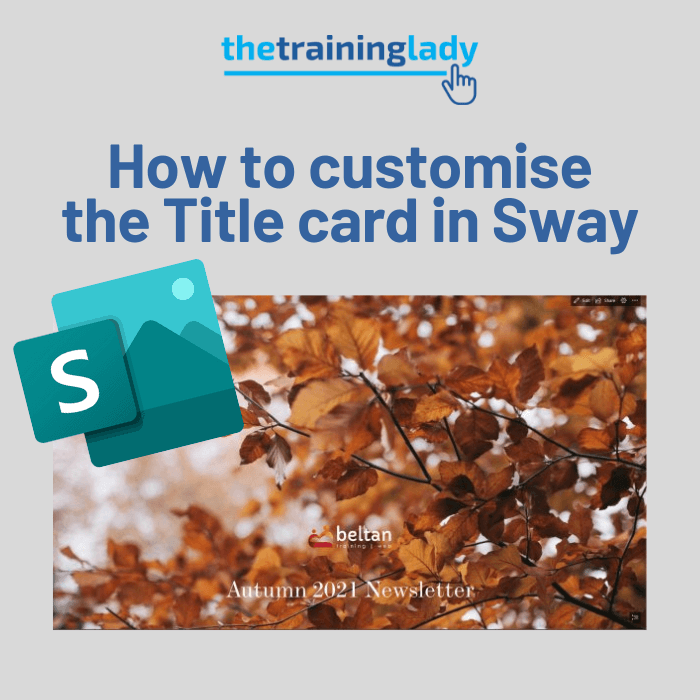
Microsoft Sway allows you to easily create digital stories which can be shared with other users. The Title card in Sway is used in a similar way that we would use a Title slide in PowerPoint. The Title card is created by default when you create a new Sway and cannot be deleted. You also cannot […]
Understanding the Microsoft Sway Storyline
As with any new program, the first time we open an application can feel a bit overwhelming. In this article, I’d like to explain the Microsoft Sway Storyline and how to navigate and use it effectively. What is the Storyline? The first important term you should know is the Sway “Storyline”. The Storyline is where […]
How to convert PowerPoint to Microsoft Sway
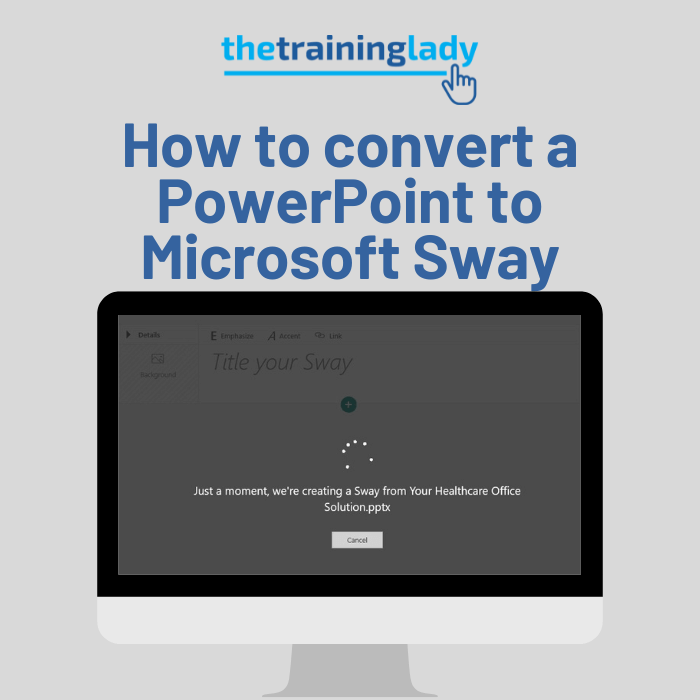
There is no doubt that Microsoft Sway is a fun program to create engaging presentations or Sways. But the thought of converting all your existing content into a Microsoft Sway may be too much to handle. Thankfully this is an easy process and will allow you to move your PowerPoint presentations into Microsoft Sway with […]
How to password protect your Sway presentation
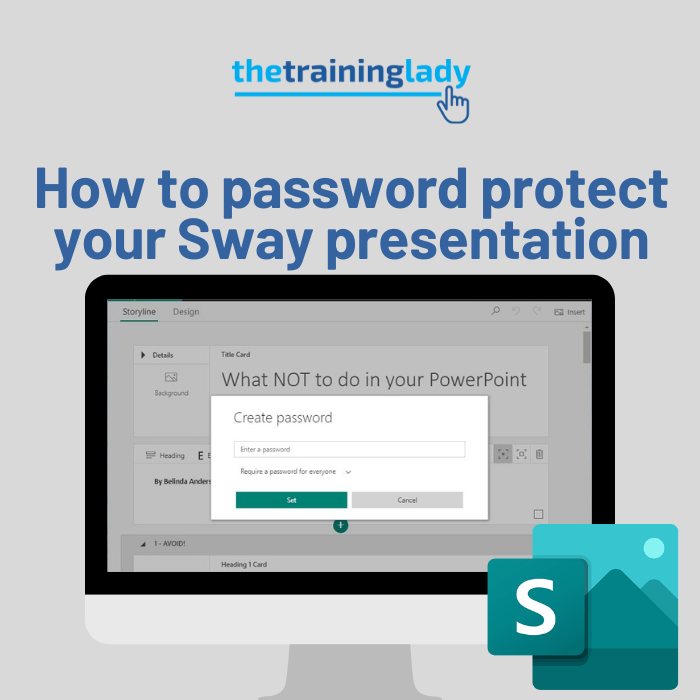
If you create a presentation using Microsoft Sway, you can give access to others by sharing the Sway link. You may, however, want a little more security for your Sway by means of password protection. Applying a password to your Sway means that you can specify whether everyone needs the password to view, or only […]
Convert text to SmartArt in PowerPoint
When creating presentations using Microsoft PowerPoint, it is common to see slides containing a heading and a bulleted or numbered list. Let’s be honest, we’ve all sat through a boring presentation which was text, text and more text. A simple way to “jazz” up any presentation is with the use of SmartArt graphics. You can […]
Choosing a slide layout in PowerPoint – why it’s important
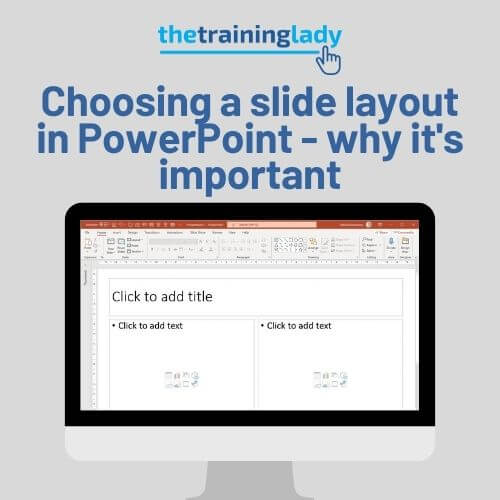
Today I am going to discuss the use of the slide layout feature and how it can assist you to create a consistent and professional looking presentation. Microsoft PowerPoint is probably one of my favourite applications to teach. It provides a fun and versatile array of features that with a little bit of imagination can […]